A REP27 appointment is handled entirely online, from the first form to the public verification page, and is countersigned in Praha by Europe Services SE. This guide follows the process in the order you will experience it and explains what you receive at each stage and what you still need to do yourself.

Every REP27 appointment follows the same backbone, whether it is a GDPR Article 27 representative, a GPSR Article 16 EU responsible person or another role. The steps are short, but each produces something concrete.
| Stage | Who acts | Result |
|---|---|---|
| 1. Choose the service and plan | You | Trial or paid plan selected |
| 2. Online onboarding form | You | Company and scope details recorded |
| 3. Electronic signature | You | Appointment signed on your side |
| 4. Countersignature | Europe Services SE | Appointment concluded |
| 5. Documents issued | REP27 | Designation letter, certificate with QR code, verification page, privacy notice text |
| 6. Publication | You | Privacy notice and labels updated |
The designation is issued within 24 hours of the completed onboarding form, and payment where applicable.
Start by deciding which role you need. The most common are:
Other roles, such as the AI Act authorised representative or the EUDR authorised representative, have their own pages. Plans are listed on pricing.
Annual plans come with a 7-day free trial. No credit card is required. During the trial the designation is already valid and verifiable from the first day, so you can publish it immediately.
The form gathers what is needed to prepare the appointment. Expect to provide details such as your company's legal name and address, the person who signs, the contact who will receive forwarded messages, and the websites, apps or products concerned.
Tips that save time:
When the form is complete, you sign electronically. There is nothing to print, scan or post, and the signature can be given from anywhere with an internet connection. Europe Services SE then countersigns, which is the moment the appointment is concluded on both sides and the documents can be prepared. Europe Services SE is a Societas Europaea registered with the Municipal Court in Prague under file H 1486, with Company ID 03571785, and it signs all EU appointments. UK appointments are signed by REP27 LTD, registered in England and Wales under number 17385889.
Europe Services SE issues all invoices and coordinates partner law firms. It is not a law firm, and the appointment is not legal advice about your wider compliance.
After countersignature you receive four items. Store them together.
The appointment helps only once people can find it. For a GDPR representative, paste the supplied text into the privacy notice on your website and in your app. For a GPSR responsible person, add the name and contact details to the product, packaging or accompanying document. A generic example of the address line:
Europe Services SE, Na Čečeličce 425/4, 150 00 Praha 5, Czech Republic
If a system does not accept Czech characters, write the street as "Na Cecelicce 425/4". Marketplace sellers will find more detail on REP27 for marketplace sellers.
Once you are live, the representative acts as a contact point for supervisory authorities and data subjects (GDPR Article 27(4)). In practice:
It is worth looking at your verification page from time to time: it shows the status and the validity dates of the designation, which are also what a partner or authority sees when it checks your code. Contact routes are listed on contacting REP27 in Praha 5. Meetings and hand delivery of documents at the Praha 5 registered office are by appointment only.
Imagine a small company in Canada that sells handmade leather wallets through its own web shop to customers in Germany, Italy and the Czech Republic. Here is how a REP27 appointment would run for it.
The example only illustrates the sequence. Whether a role applies to your company depends on your own facts.
Background on the company and its address is on the registered office page and REP27 at Na Čečeličce 425/4.
| Company | Europe Services SE (Societas Europaea) |
|---|---|
| Registered office | Na Čečeličce 425/4, Smíchov, 150 00 Praha 5, Czech Republic |
| Company ID (IČO) | 03571785 |
| Commercial register | Municipal Court in Prague, file H 1486 |
| Active since | 2014 |
| Visits | By appointment only |
| Phone | +420 775 397 884 |
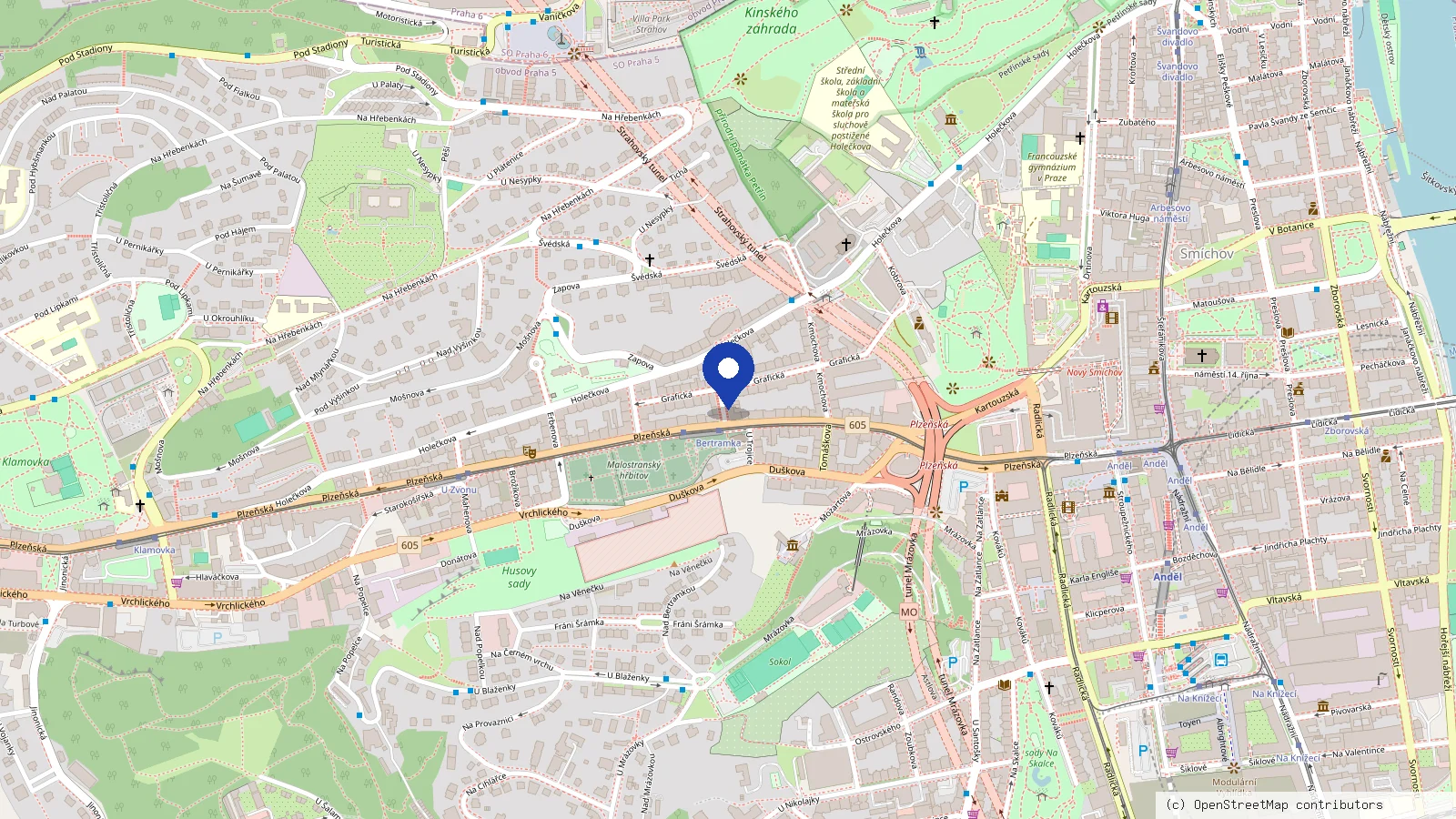
Map data © OpenStreetMap contributors. Open in Google Maps · Mapy.cz · OpenStreetMap. The interactive map loads from Google only when you open it. Visits by appointment only: arrange one first.
No. The client signs electronically and Europe Services SE countersigns. Visits are possible only by appointment, arranged in advance.
The designation is issued within 24 hours of the completed onboarding form, and payment where applicable.
Yes. On annual plans, the designation is valid and verifiable from the first day of the 7-day free trial.
You make two appointments: the EU one signed by Europe Services SE and the UK one signed by REP27 LTD. Each has its own verification code.
Yes, they are separate services and can run side by side. Each gets its own code, R27- for EU GDPR and G16- for GPSR.
It is part of the documents you receive after countersignature, together with the designation letter and the certificate.
They scan the QR code on the certificate or enter the code on the verification page, which shows company name, service, status and validity dates.
Write to info@rep27.com or call +420 775 397 884. Replies come within one business day, in your language.
The service pages on gdprrepresentative.com explain when each role applies. REP27 describes what the regulations say and what the appointment does; it does not issue legal opinions on your overall compliance.
Article 27(2) GDPR exempts processing that is occasional, unlikely to result in a risk and does not include large-scale special-category data. If your situation clearly fits that description, you may not need the GDPR appointment at all; regular processing such as user accounts or tracking usually does not fit.
See the plans (7-day free trial on annual plans, no card) or write to info@rep27.com. We reply within one business day, in your language.
Run the free check on your website, or write to us and a person will tell you which obligations you actually have, including the ones you don't.

rep27.com uses as little as possible. Only what keeps the site working is always on. The chat and the Google Ads measurement start only if you allow them, and you can change your mind at any time from the Cookie settings link at the bottom of every page.
Always on. Remembers the choices you make in this window. Nothing else.
| Name | Provider | Purpose | Duration |
|---|---|---|---|
| rep27_consent | rep27.com | Stores your cookie choices | 12 months |
Loads the live chat so you can talk to a person. It may store an identifier so your conversation continues when you change page.
| Name | Provider | Purpose | Duration |
|---|---|---|---|
| Chat identifier | KokobeoChat (chat.kokobeo.com) | Keeps your chat conversation | Until you clear it |
Lets Google Ads tell us whether a visit from one of our adverts led to a contact request. No profiling on our side.
| Name | Provider | Purpose | Duration |
|---|---|---|---|
| _gcl_au | Google Ads | Links an advert click to a contact request | 90 days |
| _gcl_aw | Google Ads | Stores the advert click identifier | 90 days |
Fonts are delivered by Google Fonts: your browser connects to Google servers, but no cookies are set. Cookie policy · Privacy notice
We use the chat and one Google Ads cookie only if you allow them. Tap here to see the details and choose.
A person reads every message and replies within one working day.
info@rep27.com+420 775 397 884Europe Services SE · PrahaREP27 LTD · MildenhallGoldman Services INC · Richmond Hill